
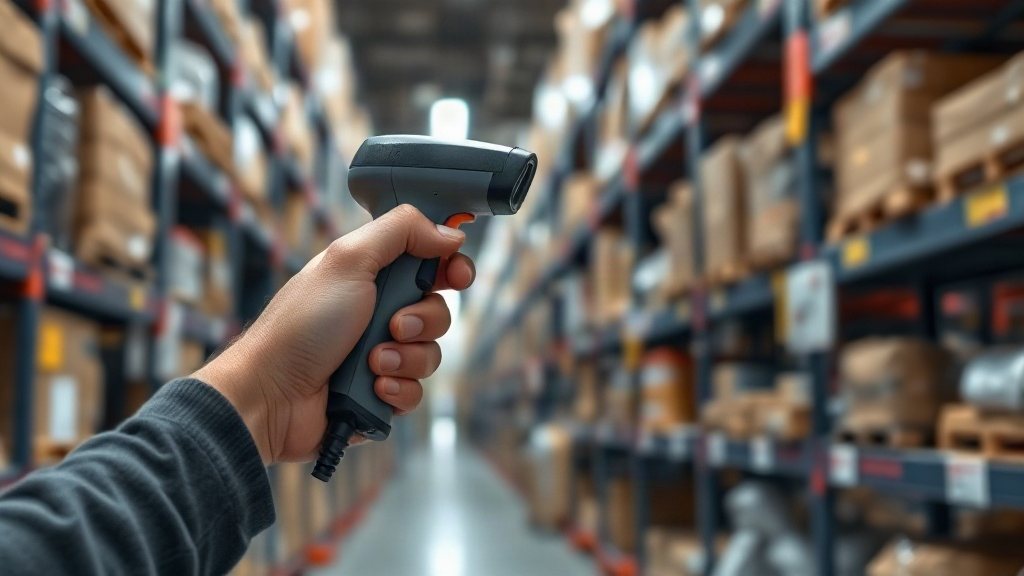
Buy a scanner before you understand your own workflow and you will almost certainly buy the wrong one — a laser gun that cannot read your QR codes, a fragile handheld that dies on a warehouse floor, or an expensive corded device chained to a desk when your assets are spread across three sites. The scanner is the part of an asset system that people actually hold, so getting it right shapes whether counts feel effortless or exhausting.
The good news is that choosing well is mostly a matter of asking a few honest questions about your tags, your environment and your team before you spend anything. Often the answer is that the phone already in your pocket is enough, and the money is better spent elsewhere. Here is how to reason it through.
Start with the phone you already own
For a great many small and mid-sized teams, a smartphone camera is a complete barcode scanner and costs nothing extra. Modern phone cameras read QR codes and DataMatrix labels reliably, and a good asset app turns that camera into a purpose-built scanning tool with a live count, instant lookups and audit logging built in. Find Asset works this way: staff scan asset tags with the phone they already carry, and every scan lands straight in the register without a separate device to charge, configure or lose. For occasional counts and everyday check-in and check-out, this is genuinely all most organisations need.
The honest limits of the phone are volume and speed rather than capability. If a person is scanning a few dozen assets during a walk-round, the camera is a pleasure; if they are working through many hundreds of items back to back, the half-second the camera takes to focus and lock adds up, and a dedicated trigger starts to feel worth it. Battery is the other consideration — a long counting session drains a phone that also needs to make calls all day. So the phone is the right starting point for almost everyone, and the question is simply whether your volumes ever push past what it comfortably handles.
When a dedicated scanner earns its place
A standalone barcode reader pays for itself in a handful of specific situations. High-throughput counting is the clearest: a physical inventory of thousands of items, a busy dispatch bench, or a store where the same person scans all day will move far faster with a device built for one job. A dedicated trigger, near-instant read and a shape designed to sit in the hand for hours simply beat a touchscreen for repetitive work. If scanning is the bottleneck in someone's day, the device removes it.
Environment is the other deciding factor. A phone is a poor choice on a wet loading dock, in a cold store, in a dusty workshop or anywhere it will be dropped onto concrete. A rugged scanner shrugs off exactly those conditions. There is also a workflow argument: a shared scanner that lives on a bench belongs to no one person, whereas a phone-based approach ties scanning to whoever's phone has the app installed. Neither is better in the abstract — it depends on whether scanning is a shared station or a personal task.
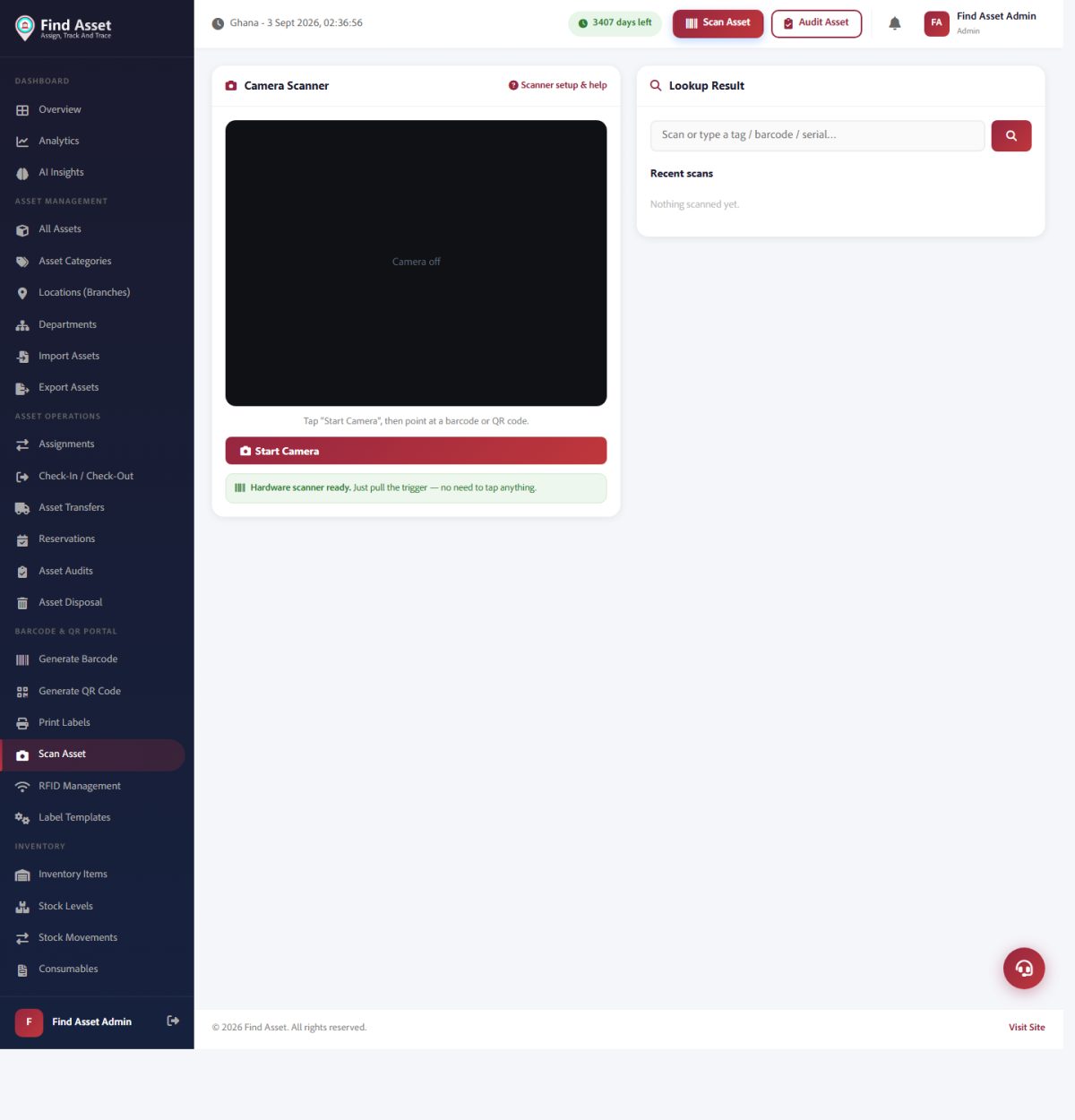
A scanner is only as good as what happens after the beep. Find Asset's scan screen (above) takes the code from a phone camera or a dedicated barcode/QR reader and pulls up that exact asset — its status, location and history — which is why the software matters as much as the hardware you choose.
Laser or imager: match the scanner to your tags
This is the decision people most often get wrong, and it is the easiest to avoid. A traditional laser scanner reads only one-dimensional barcodes — the familiar row of parallel lines. A 2D imager, which works more like a small camera, reads those same 1D barcodes and also two-dimensional codes such as QR and DataMatrix. If any of your asset tags are QR codes, a laser scanner cannot read them at all, no matter how good it is. That single fact rules out a whole class of otherwise attractive devices.
Because most asset teams increasingly favour QR or DataMatrix tags — they hold more data and survive damage better than a thin barcode — a 2D imager is the safe default for new purchases. A laser only makes sense if you are certain your tags will stay purely 1D forever, which is a risky bet as your labelling evolves. If you have not settled your tag format yet, weigh it up in RFID versus barcode first, then choose a scanner that can read whatever you land on. Buying the reader before the tag is how people end up with the wrong pairing.
Corded, Bluetooth or batch: how the data gets home
Scanners differ as much in how they deliver a read as in how they capture it. A corded scanner plugs into a computer and sends each scan instantly — simple, reliable, never needs charging, but tethered to one spot. A Bluetooth scanner cuts the cord and lets someone roam an aisle while staying connected live to a phone or tablet, at the cost of pairing and battery management. A batch or memory scanner stores scans internally and uploads them later when it is docked, which suits remote counts where there is no live connection to lean on.
The right choice follows the shape of the work. Fixed receiving desk, everything in one place: corded is the pragmatic winner. Someone walking a large floor with a tablet: Bluetooth keeps them mobile and the count live. Counting assets in a basement, a field site or a building with no signal: a batch scanner — or, just as often, a phone app that queues scans offline and syncs when it reconnects — saves the day. Think about where the person physically is when they scan, and the connection type more or less chooses itself.
Read range, ruggedness and the feel in the hand
Beyond the headline type, a few physical traits decide whether a scanner is a joy or a chore. Read range matters if you ever scan tags you cannot easily reach — a label high on a rack or on a bulky machine — where a standard-range device forces awkward stretching and a longer-range one reads comfortably from a step back. For most desk and shelf work, standard range is perfectly fine, so pay for extra reach only if your assets genuinely demand it.
Ruggedness is worth taking seriously if the device leaves a clean office. An IP rating tells you how well a scanner resists dust and water, and a stated drop height tells you how it survives being knocked off a bench — both are honest, capability-based numbers worth comparing rather than guessing at. Ergonomics rounds it out: a trigger that sits naturally under the finger and a weight that does not tire the hand make a real difference across a long count. If you can, hold a device before committing, because a scanner that fights the hand quietly discourages the very habit you are trying to build.
A quick guide to which scanner fits
It helps to line the options up against the situations they suit, because the right pick is rarely about which device is most capable — it is about which one matches how and where your people actually scan. A rugged imager is overkill for a tidy office of two hundred assets, and a phone camera is the wrong tool for a dispatch bench running flat out all day.
Read the table below as a shortlist rather than a rule. Most organisations end up with a sensible mix — phones for the walk-round counts and casual lookups, one or two dedicated devices where the volume or the environment demands them — and that blend is usually cheaper and more resilient than standardising everyone on a single expensive gun.
| Scanner type | Best for |
|---|---|
| Smartphone camera | Small teams, occasional counts, QR and DataMatrix tags, tight budgets |
| Corded 2D imager | A fixed receiving or dispatch desk with steady, high-volume scanning |
| Bluetooth 2D imager | Roaming a large floor with a live count on a phone or tablet |
| Batch / memory scanner | Remote or offline counts with no live connection to sync against |
| Rugged handheld | Warehouses, cold stores and workshops where devices get dropped and wet |
Choosing a scanner in five decisions
- Try the phone first — for most small teams the camera is a complete scanner.
- If any tags are QR or DataMatrix, you need a 2D imager, not a laser.
- Let the environment decide ruggedness: office work needs none, a dock needs plenty.
- Pick the connection — corded, Bluetooth or batch — to match where people scan.
- Buy a dedicated device only where volume or conditions genuinely justify it.
A scanner matched to the site
Choosing a barcode scanner is less about finding the most powerful device and more about matching the tool to your tags, your environment and the way your people work. Start with the phone, because for a surprising number of teams it is already enough; reach for a dedicated 2D imager when volume, reach or ruggedness make the case; and never buy a scanner that cannot read the tags you have decided to print. Get that pairing right and scanning becomes a background habit rather than a daily struggle.
The cheapest way to find out whether the phone suffices is simply to try it against your own assets before spending anything on hardware. You can start a free 14-day trial, print a few tags, and scan them with the phones your team already carries — if the camera keeps up with your counts, you have your answer and your budget stays intact. If it does not, you will know exactly which limit you hit, and that tells you precisely which kind of dedicated scanner to buy rather than guessing in a shop.