
Handing a staff member a laptop is a quiet transfer of company property, and most companies never write it down. Two years later the laptop has left with the employee, nobody remembers who approved it, and the serial number lives in a WhatsApp message someone deleted. Phones are worse: smaller, more personal, and even more likely to be treated as a gift.
This guide sets up a simple system for tracking the devices your company issues. It takes an afternoon to start with a handful of laptops and scales cleanly to a hundred phones without changing shape.
Why laptops and phones are the hardest assets to keep
A company bus stays in the yard. A laptop travels daily, mixes with personal files, and changes hands without ceremony. Three habits make devices the leakiest category in most registers:
- The line between work and personal blurs. A phone issued for work becomes the employee's only phone within a month, and asking for it back feels awkward.
- Handovers happen in conversation. The IT person gives a spare phone to a sales rep on a Friday and plans to record it on Monday, and Monday never comes.
- Offboarding forgets them. Exit checklists cover keys, ID cards and final pay, but the laptop in the bag and the line on the phone plan slip through.
The cost is not only the device. A laptop that leaves holds customer lists, quotes and passwords. Tracking is a data-protection habit as much as an accounting one.
Give every device a tag and a record
A device you cannot identify is a device you cannot reclaim. Every laptop and phone gets two things on day one: a physical tag and a matching record.
The tag is a small barcode or QR label on the underside of the laptop or the phone's back cover, numbered in your asset tag numbering system so it sorts cleanly as the fleet grows. Serial numbers alone are not enough; they live in spreadsheets nobody checks. The record lives in your asset register, whether that is a spreadsheet or the free template, and it carries the device's tag number, serial, IMEI where applicable, and the five fields in the table below.
Printing tags for a dozen devices costs nothing with the barcode and QR generator. For phones, tag the box as well as the device; boxes get resold, and a tagged box is easier to match to a record at audit time.
| Field | Example | Why it matters |
|---|---|---|
| Tag number | IT-LAP-014 | The name everyone uses for the device |
| Serial / IMEI | 356938035643809 | Proof of identity if the label peels off |
| Custodian | Ama Mensah, Sales | One name, not "the sales team" |
| Assignment date | 12 May 2026 | Starts the custody clock |
| Condition and accessories | Good; charger, bag | Ends arguments at return time |
Record who has what, every single time
The register fails at the moment of handover unless handover itself is a recorded event. The rule is one line long: no device changes hands without the register changing too.
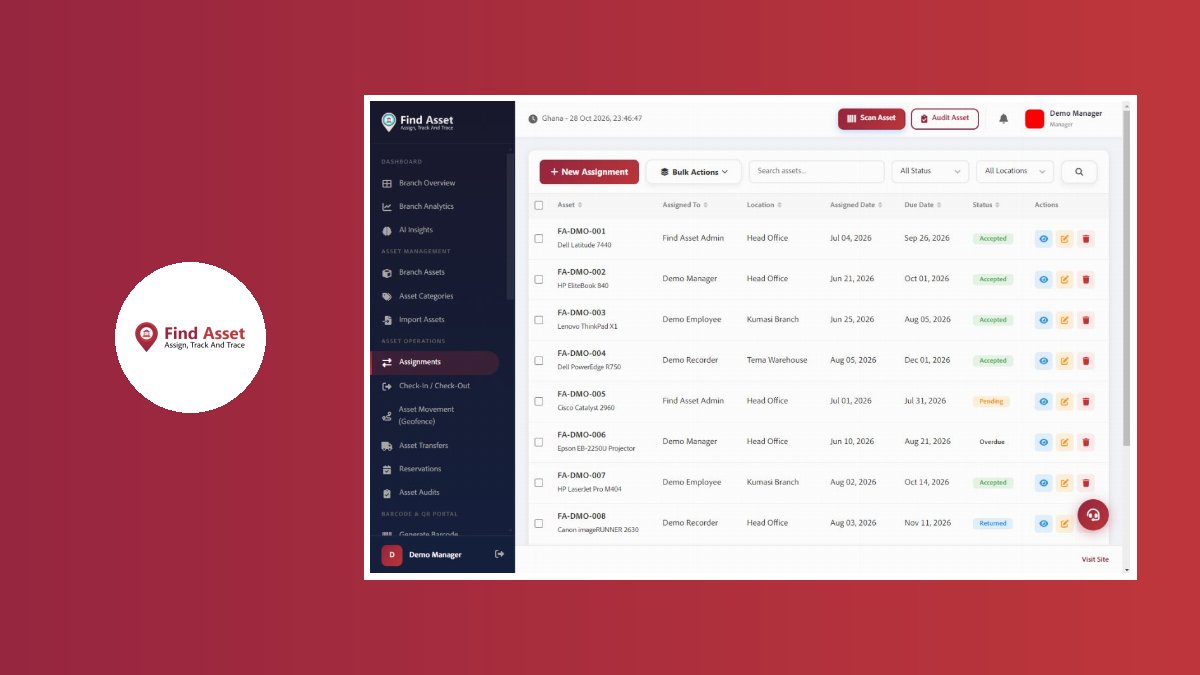
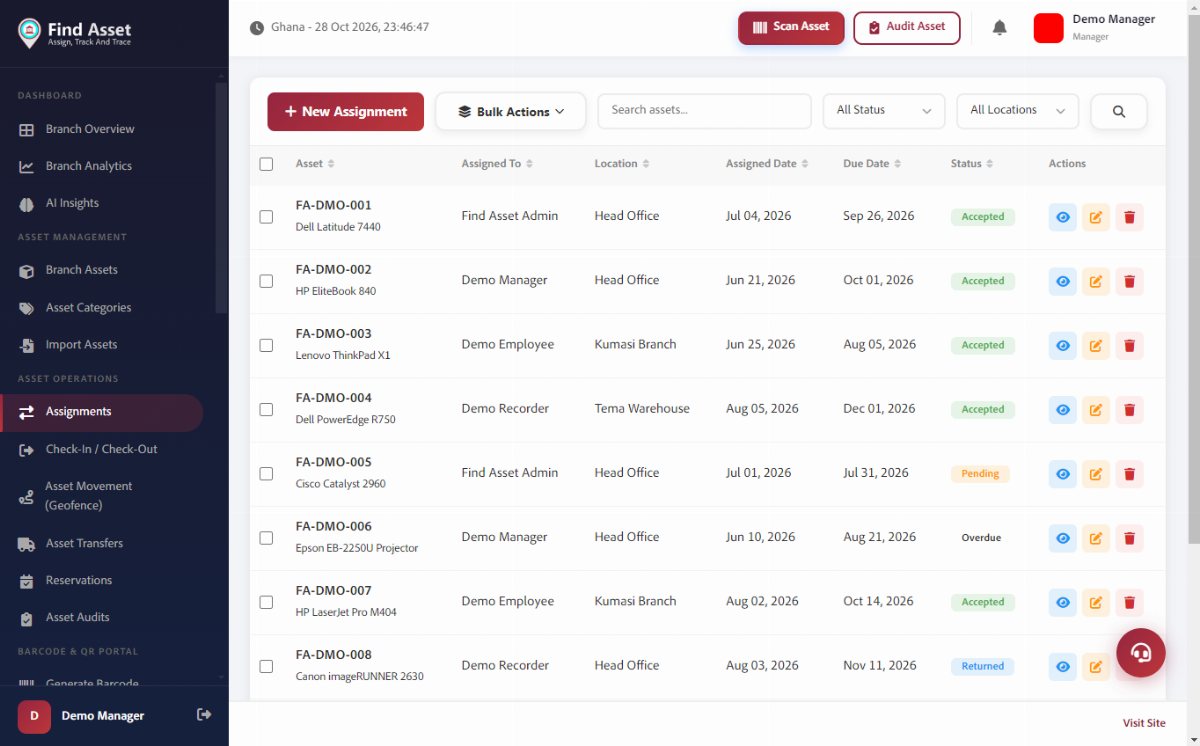
For a small team this is a note in the register: who received the device, when, and what condition it was in. For a bigger team, the check-out pattern in assigning and checking out assets works well: the assignment is recorded when the device leaves the storeroom and closed when it returns, and anything still assigned at audit time has a name attached.
If your company adds custom information to records, capture the IMEI for phones and the warranty end date for laptops; custom fields exist precisely for details like these that a generic template forgets.
The offboarding checklist that saves devices
Most lost laptops are not lost; they are forgotten in exits. Add devices to the exit checklist between "keys" and "final pay", and make the line specific: the employee's assigned devices, listed by tag number, returned and signed off by the same person who approved the assignment.
The ritual takes ten minutes when the record exists. Check each device's condition against the assignment note, recover the chargers and bags listed with it, and close the assignment in the register the same day. A device whose record was never opened cannot be checked off, which is exactly why the recording habit in the previous section matters: the exit checklist only works on top of it.
Where the employee joined through a partner or reseller programme and the device came from a third party, note that source in the record too; recovery conversations go differently when the paperwork shows who paid.
When a device is lost or stolen
A tracking system earns its keep on the bad day. When a phone disappears, the record answers the questions police, insurers and management ask in the first hour: what exactly was lost, which serial and IMEI identify it, who had custody, and what it cost.
Report with the record, not from memory. The IMEI lets the carrier block the handset; the serial number identifies a recovered laptop unambiguously; the purchase date and price support the insurance claim. Afterwards, mark the device lost in the register rather than deleting it, so the audit trail shows what happened and the insurance recovery, if any, lands against the right line.
Devices that survive near-loss teach their own lesson: the register tells you which custodians repeatedly hold damaged or missing items, and that pattern is a management conversation, not an IT one.
What the first week should look like
Start small and finish the loop. Tag and record the ten most expensive devices, record one handover properly, and put devices on the exit checklist. That is the whole system; everything after is repetition. By Friday you will know exactly where the company's laptops and phones are, who holds them, and what it would take to get each one back, and that knowledge is worth more than every device on the list.