

A barcode either scans or it does not, and the moment it does not, the whole promise of asset tracking starts to unravel. The technician stops, squints, wipes the tag, tries a different angle, and eventually gives up and types the number by hand, if the number is even still legible. Multiply that small friction across a few hundred assets during a stock-take and you have lost an afternoon. The frustrating part is that the barcode itself is usually fine. The data is encoded correctly, the print quality is acceptable, the scanner works. What failed was the decision about where the label went.
Placement is the least glamorous part of an asset tagging programme and the part that quietly decides whether the whole thing succeeds. A label that is beautifully designed but stuck on the underside of a desk, wrapped around a cable, or baked next to a generator exhaust will never deliver a reliable scan. Below are ten placement mistakes we see again and again across offices, warehouses, hospitals and workshops, and the practical fix for each. None of them require new hardware. They require a few minutes of thought before the adhesive touches the surface.
1. Hiding the label where nobody can reach it
The single most common mistake is placing the tag somewhere that made sense to the person tagging and nowhere else. The back of a monitor, the underside of a chair, the inside of a server rack behind three cables. It scans perfectly on tagging day because the item is out on a bench. In the field, the person doing the audit has to unplug, lift, crawl or dismantle to reach it, so they do not. The scan does not happen and the record goes stale.
Fix this by agreeing a standard location for each asset class before you start. Laptops get the label on the lid or the palm rest, printers on the front-right corner, network gear on the front face beside the ports. Consistency matters more than the specific spot: when every desktop tower carries its tag on the same top-left panel, an auditor can walk a room and scan without hunting.
2. Ignoring the scanner's line of sight
A barcode needs an unobstructed, roughly flat line of sight to be read quickly. Place a tag in a recess, behind a raised bezel, or in the shadow of a handle and you force the scanner into awkward angles where it struggles. This is worse for laser scanners than for camera-based phone apps, but both suffer. Curved surfaces are a particular trap: wrap a 1D barcode around a pipe or a bottle and the bars distort until the reader cannot resolve them.
Leave a clear margin of blank space, the quiet zone, on every side of the code, and choose the flattest available face of the asset. Where you genuinely cannot avoid a curve or a small item, a QR code tolerates it far better than a linear barcode. Our guide on choosing between QR codes and 1D barcodes covers when to switch.
3. Sticking labels to the wrong surface material
Adhesive is chemistry, not magic. A standard paper label will not bond to a dusty, oily, powder-coated or textured surface, and in the heat and humidity common across much of West Africa it lifts at the corners within weeks. Once an edge peels, it snags, tears and collects grime, and the barcode goes with it. Rough concrete, unfinished wood and flexible plastics all defeat cheap adhesives.
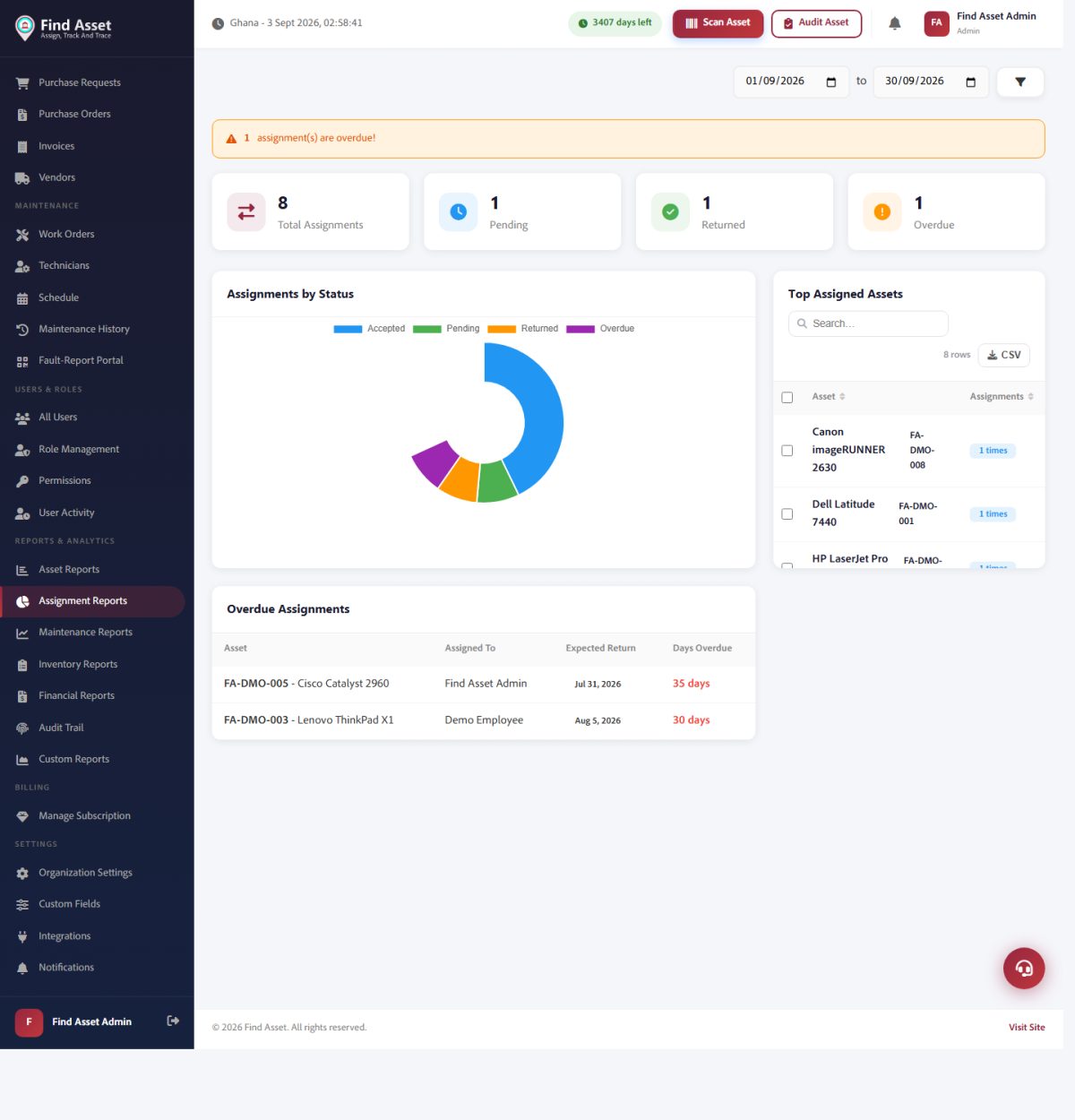
Label placement is really about whether a tag gets scanned in practice. Find Asset's assignment reporting (above) depends on those scans to stay accurate, which is why the placement mistakes in this article quietly cost you data.
Clean and dry the surface before application, then match the label to the material. Smooth metal and glass take almost anything; low-energy plastics and rough surfaces need an aggressive acrylic adhesive or a mechanically fixed tag. For high-value or outdoor assets, a rivet or screw-mounted metal plate outlasts any sticker. Choosing the right stock is a whole decision in itself, which our note on how to choose asset tags unpacks.
4. Placing labels in the firing line of wear
Even a well-bonded label dies fast if it sits where the asset gets handled, cleaned or knocked. The grip zone of a drill, the edge of a trolley that bumps doorways, the spot on a hospital bed rail that gets wiped with disinfectant forty times a day: these are abrasion and chemical hotspots. The print rubs off, the laminate clouds, and within months the code is a grey smear.
The fix costs nothing but a moment's thought before you press the label down: picture how the asset is actually used, then place the tag where hands, cloths and doorframes do not routinely reach. On a power tool that means the flat of the body rather than the handle; on a trolley the recessed inner panel rather than the bumper; on a bed frame a side rail that cleaning staff wipe past rather than scrub. When no truly sheltered spot exists, the answer is to upgrade the tag itself to a laminated or sub-surface-printed label that can take the punishment, rather than resigning a fragile sticker to a hostile spot and hoping it lasts.
Where to keep labels away from
- Grip and handle areas that hands touch constantly.
- Edges and corners that scrape against walls, doors and other equipment.
- Surfaces cleaned with alcohol, bleach or solvents on a daily basis.
- Zones near heat sources, exhausts, motors or direct afternoon sun.
5. Forgetting about heat, sun and moisture
Environment ages a label faster than time does. Direct sunlight through a window will fade thermal-printed barcodes in a season, ultraviolet light being especially unkind to unprotected black-on-white print. Heat near a generator, a server exhaust or a kitchen line softens adhesive and yellows laminate. Moisture and condensation lift edges and blur ink. A tag that will live outdoors or in a plant room needs different treatment from one on an office desk.
For exposed assets, use UV-stable, laminated or synthetic labels rated for the temperature range, and keep the code out of pooling water and direct sun where the placement allows. It is cheaper to spend a little more on stock than to re-tag a fleet of outdoor meters every year.
6. Making the label the wrong size for the scan distance
A barcode has a minimum readable size that depends on how far away the scanner sits. Cram a dense code onto a tiny tag for an asset that gets scanned from arm's length and the reader cannot resolve the narrow bars. Conversely, a small item does not need a giant label, and oversized tags on cables, tools and instruments simply do not fit and end up wrapped, folded or omitted.
Match label size to both the asset and the working scan distance. Fixed floor assets scanned close up can carry compact codes; items read from a metre away or more need larger, lower-density symbols. When a barcode refuses to read at all, size and density are usually the first suspects, and our barcode won't scan checklist walks through the rest.
7. Letting glare and reflection blind the scanner
A glossy laminate looks smart and reflects light straight back into a camera or laser, washing out the contrast the scanner needs. Under the bright overhead lighting of a warehouse, or worse, under direct sun, a shiny label becomes a mirror and the code disappears in the glare. This is a placement issue as much as a materials one: angle and lighting at the scan point decide whether the shine helps or hurts.
Prefer a matte finish for the barcode area, and where you must use gloss, position the label so overhead light does not bounce directly back at the reader. Tilting a fixed tag a few degrees off the vertical is sometimes all it takes to kill the reflection.
8. Crowding the code with other information
People love to pack a label: company logo, asset name, department, phone number, warranty note, and the barcode squeezed into whatever space is left. The result is a code with no quiet zone, printed too small, sitting beside dark graphics that confuse the scanner. The human-readable extras are useful, but they must not starve the machine-readable part.
| Placement factor | Common mistake | Better practice |
|---|---|---|
| Quiet zone | Text or borders touching the bars | Clear margin on all four sides of the code |
| Contrast | Coloured or shiny background behind the code | Dark bars on a plain light background |
| Orientation | Random angle on each asset | One consistent orientation per asset class |
| Redundancy | Only the barcode, unreadable if damaged | Human-readable ID printed alongside as backup |
| Duplication | Single label on a large or mobile asset | Second tag on the opposite face for reach |
Design the label so the barcode owns its own clean zone with strong contrast, and let the text live elsewhere on the tag. A tidy, scan-first layout is exactly what a good template enforces, and our walkthrough on how to design a clean Zebra label shows the structure.
9. Using one orientation on tagging day and another in the field
Inconsistent orientation slows every scan. If half your labels read left to right and the other half are rotated ninety degrees, the auditor is constantly reorienting the scanner, and mistakes creep in. It also makes the placement look untidy, which quietly signals that the whole register is casually maintained.
Pick one orientation per asset class and hold to it. Barcodes should generally run horizontally so the scanner sweep matches the bars; QR codes are orientation-agnostic but still look and audit better when aligned consistently across a room.
10. Skipping the on-asset scan test before you move on
The most avoidable mistake of all is not scanning the label in situ before walking away. A code that reads on the printer's output tray tells you nothing about how it performs bonded to a dark, curved, reflective surface under the actual lighting of its home. Teams that batch-print and batch-apply without a live check discover the failures months later, one painful audit at a time.
Build a five-second habit: apply the label, then scan it from the real working distance and angle before you touch the next asset. If it hesitates, move it or replace it now, while the item is in front of you. This single discipline catches surface, glare, size and orientation problems at the cheapest possible moment.
Bringing it together
Not one of those ten fixes asks for a bigger scanner budget. They are about respecting the physical reality of where an asset lives and how a person will actually reach and read it. A label is a small object doing a demanding job in a hostile environment, and where you place it decides whether it does that job for years or fails within weeks. Standard locations, clean flat surfaces, sensible sizing, matte contrast, and a quick scan test turn placement from a source of friction into something you never think about again.
That reliability is exactly what Find Asset is built to protect, pairing a proper register with a label designer that keeps quiet zones, contrast and sizing correct so the code you print actually scans in the field. If your tags are letting you down, tighten your placement rules and start a free 14-day trial to design and print labels that hold up. For the underlying standard, the background on barcodes and quiet zones is a useful primer.